1. Keep one learning objective in view
Write the outcome in a sentence a learner can check. If the audio tries to define five terms, demonstrate three tools, and quiz the listener at once, divide it into smaller lessons or chapters.
The objective also tells you what should be repeated. Repeat a key term when it helps the learner act, not because every sentence needs the same emphasis.
2. Build in pauses for thinking and action
Leave a beat after a new term, before a question, and after an instruction. Learners need time to look at the screen, pause the audio, or try the step. A faster read is not automatically a better lesson.
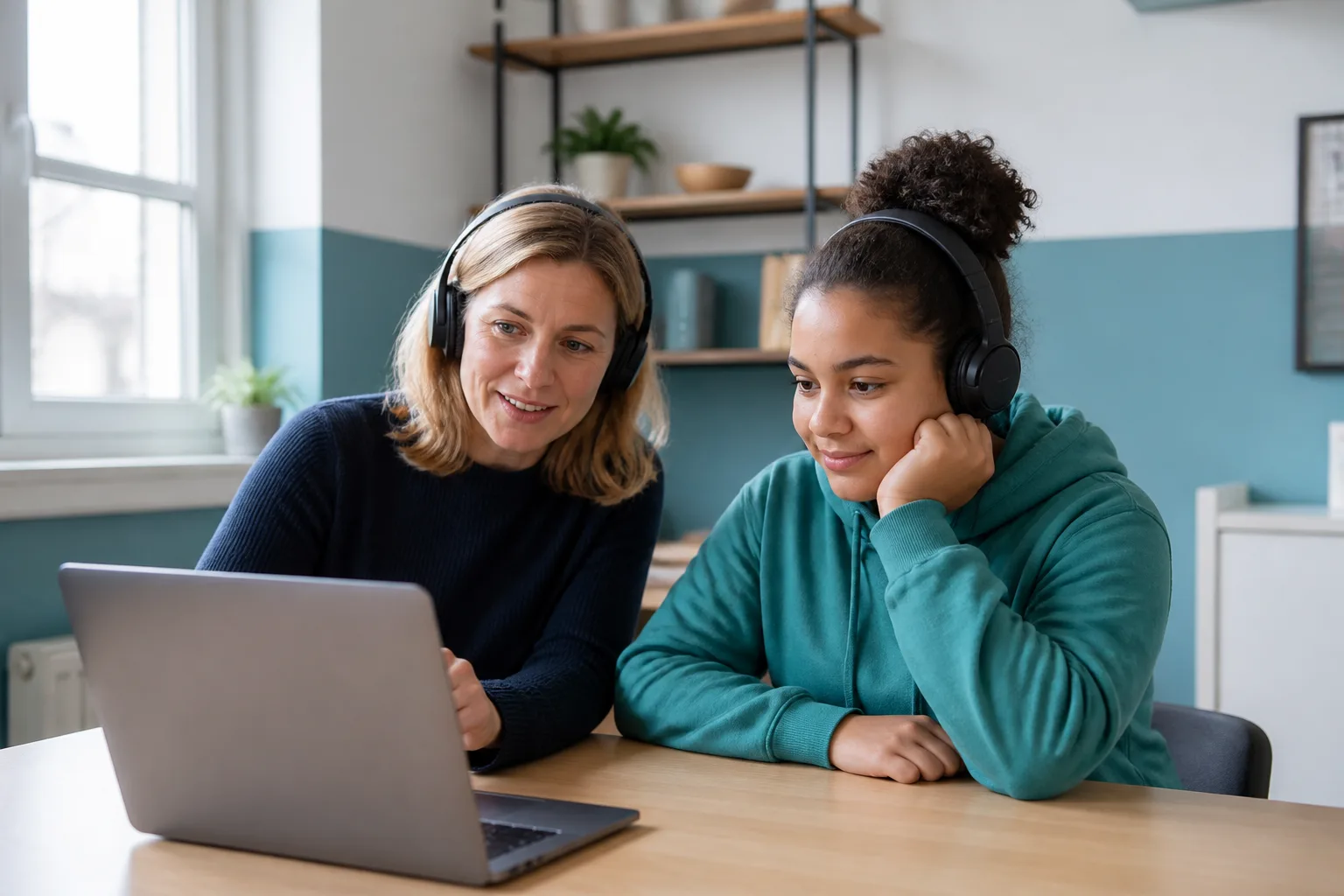
Generate a short lesson sample and ask a learner to follow it without extra explanation. Note where they pause, replay, or ask what to do next. Those moments are evidence for a rewrite.
3. Pair speech with useful text
Captions and a transcript should make the lesson easier to review, not merely duplicate an unedited script. Name the steps, preserve code or formulas exactly, and call out information that is visible but never spoken.
Keep examples honest. If the learner must use a particular version, file, or tool, show the exact requirement in the lesson materials rather than hiding it in fast narration.
- Use the final audio as the caption source.
- Keep key terms consistent between the voice, slide, and transcript.
- Provide a way to pause and replay without losing the learner’s place.
4. Test with a learner, then revise once
- Ask the learner to complete the stated objective, not just say whether the voice sounds nice.
- Record terms they misheard or steps they completed in the wrong order.
- Check the lesson on headphones, laptop speakers, and a phone.
- Update the audio, captions, and transcript together so they do not drift apart.